
Introduction to Urdu InPage
Welcome to the first part of this complete InPage course. If you have ever wanted to type and design beautiful Urdu, Arabic, Persian, or Pashto documents on your computer, then you are in the right place. InPage is the software that made all of this possible for millions of users, and in this course I will teach you everything from the very basics to advanced design work.
Before we begin, let me share a little about my own background. I have worked with InPage for more than a decade, using it to prepare book layouts, newspaper pages, magazine spreads, wedding cards, and many poetry collections. Over the years I have also helped students and small publishers move from confusion to confidence with this tool. So the tips you read here come from real, hands-on experience, not just theory.
This first module is all about getting started. We will look at what the full course covers, a few important things you should know before you begin, the different versions of InPage, and the safe ways to get the software online. Let us start step by step.
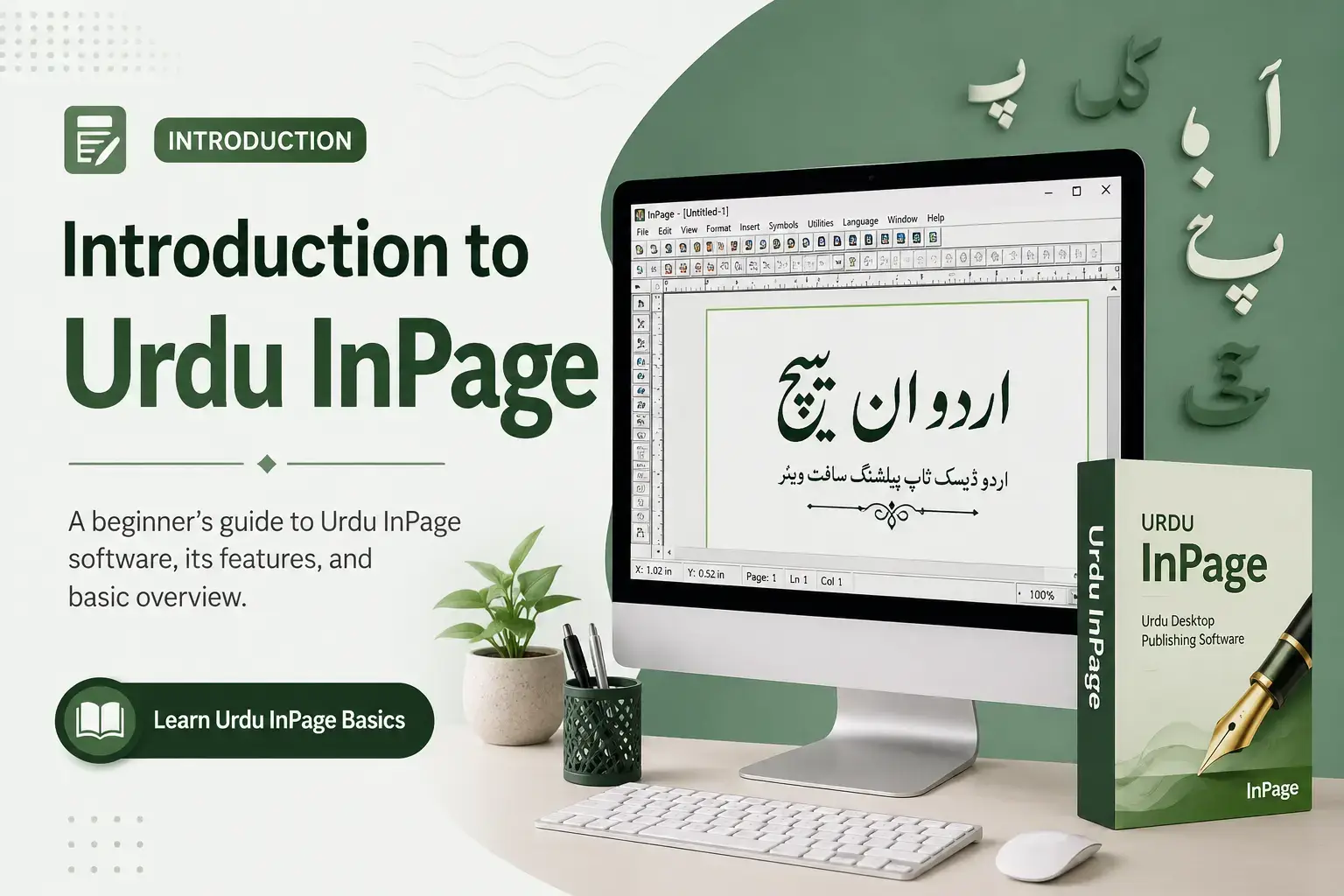
1. InPage Complete Course (Overview)
InPage is a desktop publishing program, which simply means it is software made for designing full pages, not just typing plain text. It was first developed in 1994, and it remains the number one choice for Urdu and other Nastaliq-script languages even today.
This complete course is designed to take you from a complete beginner to a confident user. Here is what you will be able to do by the end of it:
- Install and open InPage correctly on your Windows computer without errors.
- Type fluent Urdu using both the phonetic keyboard and the standard keyboard layout.
- Work with Nastaliq fonts and adjust their size, style, and line spacing.
- Create clean page layouts using text boxes, columns, margins, and borders.
- Add and resize pictures, logos, and design elements inside your pages.
- Build real projects such as book pages, posters, visiting cards, and forms.
- Export your finished work as PDF or image files for printing and sharing.
I have arranged these lessons in the same order I wish someone had taught me when I started. Each skill builds on the one before it, so please try not to skip ahead.
2. Important Things Before Watching (Course Roadmap)
Before you jump into the lessons, a little preparation will save you a lot of time. From my experience, the learners who follow these few points pick things up much faster than those who rush.
- Keep a Windows computer ready. InPage runs best on Windows, so make sure your laptop or PC is switched on and updated.
- Set aside quiet practice time. Even thirty focused minutes a day is better than one long, tired session.
- Practice each lesson yourself. Watching is not enough; open the software and repeat every step with your own hands.
- Do not worry about mistakes. You cannot break the program by experimenting, so feel free to click around and explore.
- Follow the modules in order. The course moves from easy to advanced, and each part connects to the next.
- Keep a notebook nearby. Writing down shortcuts and font names helps you remember them far better.
Think of this course as a road. Module one is the starting point, and by the final module you will be designing complete documents on your own. Patience and daily practice are the only real secrets here.
3. Different Versions of InPagedifferent-versions-of-inpage
Over the years InPage has been released in several versions, and beginners often get confused about which one to use. Let me make it simple. The biggest change came with version 3, launched in 2008, when InPage became Unicode based. This was a huge step because it allowed your Urdu text to work smoothly with other modern software and the internet.
Here are the main versions you will come across:
- InPage 2009 (version 3.0.5). This is one of the most popular and widely used versions. Many older offices and presses still run it because it is light and reliable.
- InPage 2012. This release improved the interface and added handy features such as a spell check for typed words.
- InPage 2018. A more polished version with better font handling and smoother performance on newer Windows systems.
- InPage Professional. This edition is aimed at advanced users and publishers who need more fonts, more control, and heavier page-making tools.
- InPage 4. This is the newest generation. Version 4.0 was launched in early 2024, and version 4.1 followed in early 2026, adding extra fonts and small fixes while staying compatible with files from older versions.
For learning, almost any recent version will work, because the core tools are very similar across releases.
In this course I will point out anything that looks different between versions, so you never feel lost no matter which one you have installed.
4. Where to Get InPage Software Online
This is an important section, so please read it carefully. InPage is a paid, proprietary product made by Concept Software, and getting it from the right place protects both your computer and your work.
Here is the safest way to get InPage online:
- Visit the official website first. The genuine software is available at inpage.com, where you can buy a licensed copy and download the latest version directly from the developer.
- Check for a trial or demo. A trial version lets you test the software before paying, which is a smart way to make sure it suits your needs.
- Ask about educational or corporate licenses. Students, teachers, and offices can often get a licensed copy at a reduced rate through their institution.
- Avoid cracked or “free full version” downloads. These pirated copies are everywhere online, but in my experience they often carry viruses, corrupt your files, or simply stop working after a few days.
- Keep your setup file safe. Once you download the genuine installer, save a backup copy so you can reinstall it later without any trouble.
I know the official version costs money, but think of it as an investment in your skills and your peace of mind. A clean, legal copy will never give you the headaches that pirated versions usually do.