
InPage Alternatives for Urdu Typing
Anyone who has spent hours wrestling with a stubborn keyboard somewhere in Pakistan knows the struggle. Urdu typing can feel confusing at first, yet behind that frustration sits something deeper language, identity, and expression itself.
Most people assume InPage alternatives are second-rate, but that assumption falls apart quickly. MS Word, web browsers, and lightweight tools often beat the old software on typing speed, ease, and pure everyday flexibility today.
Walk into the government offices, schools, or newspapers anywhere in the country and you’ll spot journalists, freelancers, bloggers, and students quietly racing through deadlines. Job seekers prepare too. Each group needs accuracy more than fanciness.
Today most writing happens on mobile devices before it ever touches a desktop. Websites, social media pages, status updates, captions Urdu editors built for phones now matter as much as any popular desktop keyboard layouts.
This guide focuses on what genuinely helps you improve: clean practice platforms, honest typing speed tests, and simple, fast routes from speaking Urdu daily to writing it well. The best path? Whatever fits your hand.
Table of Content:
- Why Users Look For InPage Alternatives?
- Why Learning Urdu Typing Is Important In Pakistan?
- What Is An Urdu Editor?
- MS Word Urdu Typing
- Google Input Tools
- Urdu Phonetic Keyboard
- Online Urdu Typing Tools
- Easy Urdu Typing
- Key Difference Between InPage And Alternatives And Comparison Table
- How to Improve Urdu Typing Speed (Pro Tips)?
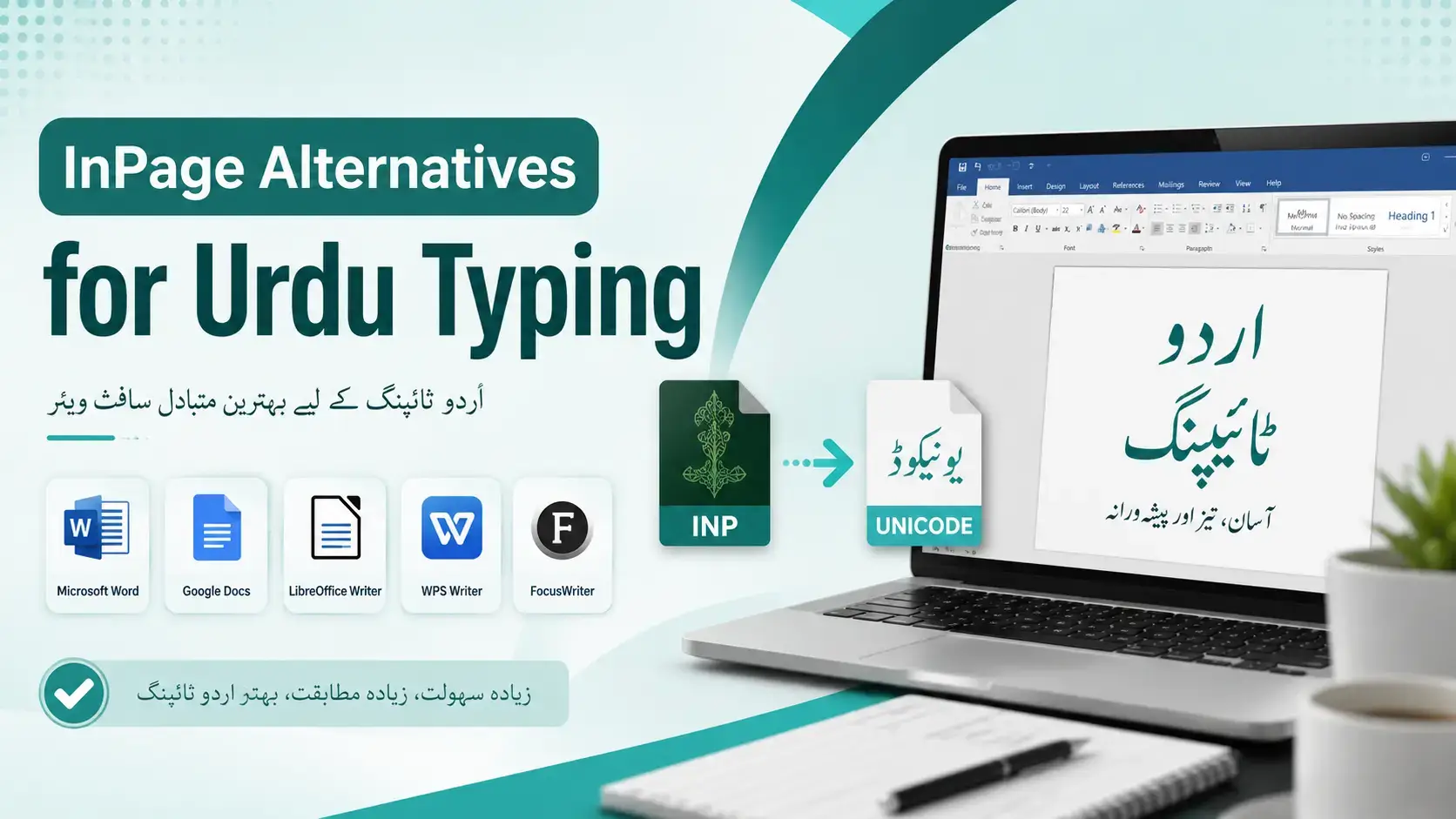
Why Users Look For InPage Alternatives for Urdu Typing?
Honestly, after years on InPage in cramped office work rooms, many professionals in Pakistan drift away from it because installation breaks often, device support stays limited, and the traditional layout feels heavy on modern machines.
From the students I’ve taught and freelancers I mentor, the pull toward alternatives comes down to flexibility: they need Urdu typing across multiple devices, including mobile, plus Android phones, iPhone, and laptops on the move.
For bloggers, content writers, and social media managers, InPage encoding is a real nightmare for website content; they prefer online browser tools with no installation required, faster phonetic input, Unicode output, and easy sharing everywhere.
Why Learning Urdu Typing Is Important In Pakistan
In Pakistan, government job aspirants and journalism students quickly realise that an Urdu typing skill opens opportunities unavailable to others, whether drafting official government documents, school writing assignments, or producing engaging Urdu blog posts professionally.
Beyond offices, teachers preparing classroom posters and poetry lessons, alongside Pakistan developers building keyboards, prove daily practice matters; sending WhatsApp messages, crafting Facebook posts, or blogging confidently requires genuine speed, accuracy, and quiet personal confidence.
What Is An Urdu Editor?
Honestly, an editor in this domain is any software or online typing tool where you shape Urdu text beyond raw input handling formatting, script behaviour, encoding, plus quiet mechanics that most devices rarely expose properly.
Practitioners split tools into two camps. Heavy publishing houses lean on InPage for Nastaliq fonts and advanced layout, while everyday users prefer MS Word, Google Input Tools, or any web workspace respecting Unicode text standards.
What outsiders miss: an editor earns trust through conversion behaviour, not appearance. Whether Urdu words survive copy-paste between platforms, whether files stay clean, and whether output holds inside Microsoft Word decides genuine professional worth.
MS Word Urdu Typing
Most practitioners assume MS Word demands extra software, yet Windows already provides built-in Urdu language support. You simply switch the keyboard layout via settings, install Urdu fonts like Nastaliq or Naskh, and begin typing immediately.
Veterans often recommend phonetic Urdu typing inside Word because mapping Urdu sounds onto English keys feels intuitive for beginners. Type ‘salam’ on your English keyboard and an accurate Urdu script appears, enabling easy learning without memorisation overhead.
Once content is ready, Word lets you edit, format, and run spell-check on Urdu text before sharing. Practitioners copy-paste finished pieces into email, WhatsApp, or Facebook, while publishers retain Word files for professional books.
Google Input Tools
Most users never realize Google Input Tools began as a browser alternative built for quick Urdu typing without heavy installation. It runs as an online tool inside Chrome, requiring internet access on any device today.
The method depends entirely on phonetic typing you write English words like ‘kitaab’ and watch them flip into Urdu script instantly. This simple approach feels natural for beginners and learners already familiar with English letters.
Inside the text area, pressing Ctrl+G toggles between English and Urdu input modes seamlessly. A dropdown menu offers suggestions, while backspace corrects typing mistakes. You can share finished drafts directly to Twitter or LinkedIn afterward.
Honestly, it isn’t offline, so no internet means no typing a real limitation for daily writers. Still, as a free lightweight alternative among Urdu tools, it beats heavier fast typing methods during quick deadline sessions.
Urdu Phonetic Keyboard
Honestly, phonetic keyboards transformed my workflow after years stuck with InPage. You type ‘salam’ on a normal keyboard, and watch Urdu appear instantly. No layout memorization required, just simple sound-based input feeling remarkably natural everyday.
Working in content writing taught me phonetic typing beats traditional methods for fast typing. Anyone doing blogging or social media management truly needs speed nobody achieves through complicated layouts requiring weeks of focused practice exercises.
Here’s something InPage loyalists won’t admit: phonetic systems handle Urdu’s quirks remarkably well. Designers sneer at them, but journalists chasing deadlines secretly prefer them. The clear advantage emerges when correct spelling matches sound naturally everywhere.
Government jobs requiring data entry changed phonetic typing’s reputation overnight. Job seekers, especially clerks and stenographer applicants, discovered something powerful. You install the layout once on Windows, then start typing Urdu sounds confidently throughout interviews.
University students in school, college, or university environments adopt this method during early learning stages. Freelancing platforms reward typists delivering fast, consistent output. The value compounds yearly your typing speed tests scores keep climbing predictably.
Online Urdu Typing Tools
Honestly, after years juggling Urdu content, online Urdu typing tools changed everything for quick drafts. No installer headaches, no licensing drama, just open a browser tab. Most run smoothly on weak machines, accept paste-friendly input, and export clean Unicode instantly.
Easy Urdu Typing
Honestly, simple typing in Urdu became manageable once I stopped fighting the script. The phonetic keyboard transforms everything type sounds, watch Nastaliq appear. Pair it with on-screen Urdu keyboard options inside browsers, free, click-light, beginner-tested daily.
Key Difference Between InPage And Alternatives And Comparison Table
After juggling InPage workflows beside its alternatives for years, the sharpest line I draw is rendering depth. InPage was engineered around Nastaliq layout demands; its rivals mostly treat Urdu as ordinary text with styling needs.
For print design and newspapers, InPage still owns the field because its publishing tasks engine outperforms generic editors. An Urdu editor running on a mobile phone or computer suits short notes, captions, and social posts.
Alternatives carry their own baggage: the recurring Urdu spacing issue and ligature problem surface when you paste between apps, and copy-paste issues routinely break sentences mid-flow. InPage sidesteps those headaches yet introduces encoding problems elsewhere.
My usual process moves Unicode drafts into InPage only at the layout stage. A clean text cleaner tool strips junk first, then I convert through a Unicode to InPage converter for accurate results before placement.
Quick comparison: lean on InPage format for heavy journalism desks and serious print work; lean on InPage alternatives when editing, formatting, building solid keyboard layout habits, or chasing typing speed counter drills define your goals.
How to Improve Urdu Typing Speed (Pro Tips)
Most learners chase raw speed before stability, which always backfires. The real shift happens when you treat consistency as your foundation, drilling fifteen focused minutes daily rather than exhausting hour-long sessions that drain enthusiasm completely.
A trick from my own practice involves typing famous Urdu quotes from Ghalib or Iqbal repeatedly. Familiar phrases let your fingers memorize letter clusters instead of hunting individual keys across the Phonetic or CRULP layout.
Copy a handful of news lines from Jang or BBC Urdu each morning and retype them without looking once. This exposes you to current vocabulary, joined letters, and nuqta placement that random drills rarely cover.
Here’s a pro habit nobody mentions: glance at the screen, not the keyboard, even when wrong characters appear. Self-correction through muscle memory builds faster than restarting; mistakes teach your fingers exactly where each character lives.
Track weekly progress on something measurable, like words per minute on a Pak Urdu Installer test page. Numbers reveal which letters slow you down, usually the ain, ghain, and zhe family causing predictable hesitation patterns.